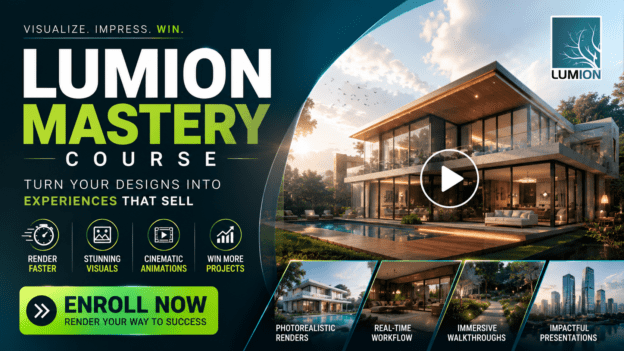
Lumion Mastery: From 3D Model to Stunning Photorealistic Visuals

Wishlist Share
Share Course
Page Link
Share On Social Media

About Course

What if you could take your designs off the screen and bring them to life in vivid, photorealistic detail… without spending weeks wrestling with complicated software?

With Lumion, real-time 3D rendering is faster, easier, and more powerful than ever. But most designers only scratch the surface. That’s where my Lumion Masterclass comes in.

Imagine this:

  • You create a fully rendered 3D walkthrough video of your project in just hours.
  • Your clients can experience your designs before a single brick is laid, feeling exactly how the space will look and flow.
  • You elevate your portfolio with eye-catching visuals that get projects approved faster and win more clients.

Sounds incredible, right? That’s because it is. But here’s the problem:

Most tutorials leave you stuck, confused, or overwhelmed. They show you features but don’t teach you how to use them to truly impress clients and save hours of work.

That’s why I created the Lumion Masterclass—to guide you step by step, from beginner to pro, so you can:

  • Master real-time rendering: Learn to quickly turn your models into stunning images and videos.
  • Create photorealistic interiors and exteriors: Make your designs pop with life-like lighting, materials, and environments.
  • Produce cinematic walkthroughs and 360 panoramas: Let your clients feel the space before it’s built.
  • Work faster, smarter, and more efficiently: Stop wasting hours guessing and start creating results your clients will love.

Here’s what you get when you enroll today:

  1. Full step-by-step video lessons covering all Lumion 2024 tools and techniques.
  2. Real-world project exercises so you can apply your skills immediately.
  3. Time-saving tips and professional tricks that most Lumion users never learn.

By the end of this course, you won’t just know Lumion—you’ll command it, creating visuals that wow clients, speed up approvals, and elevate your design career.

The question is: Are you ready to stop imagining your designs and start showing them in a way that truly sells?

Enroll in the Lumion Masterclass today and watch your ideas leap off the screen—effortlessly, beautifully, and in real time.

Claim your spot now and transform the way you design, present, and win projects.

ENROLL NOW

Show More

What Will You Learn?

  • You’ll learn how to navigate Lumion like a pro, understand its interface, and set up your first scene quickly—so you never waste time figuring out where tools are or how to start.
  • Discover how to seamlessly bring your Revit, SketchUp, or ArchiCAD models into Lumion using LiveSync. You’ll see your designs update in real time, making changes effortless and precise.
  • Learn how to create realistic landscapes, add objects, and build environments that make your designs feel alive. By the end, your scenes won’t just be models—they’ll be believable spaces.
  • Master the art of lighting, weather effects, and atmospheric settings so your exteriors look stunning in any condition—sunrise, sunset, or a dramatic storm. Make clients feel the space before it’s built.
  • You’ll discover how to apply realistic materials and textures, and design interior spaces that truly capture the look and feel of your vision. From floors to furniture, every detail will shine.
  • Lighting is everything. You’ll learn how to light interiors like a professional, creating mood, depth, and realism that make your renders feel cinematic. Say goodbye to flat, lifeless interiors.
  • Bring your designs to life with professional camera techniques, animated walkthroughs, and optimized render settings. You’ll be able to produce fast, smooth, jaw-dropping visuals that clients will remember.

Course Content

WEEK 1 — Getting Started & Scene Familiarity
Learning Objective By the end of this module, you should be able to confidently open Lumion, navigate the interface, and move around a scene without confusion. Recommended Timeframe ⏱ 3–4 days

  • Getting Started with Lumion
    02:20
  • Lumion Interface
    04:13
  • Navigation on Lumion
    02:03
  • Assignment 1

WEEK 2 — Importing Models & LiveSync Workflow
Learning Objective By the end of this module you should be able to import models correctly and understand the LiveSync workflow. Recommended Timeframe ⏱ 1-2 days

WEEK 3 — Objects, Terrain & Environment Setup
Learning Objective By the end of this module you should be able to build context around a project using terrain, landscape, and objects. Recommended Timeframe ⏱ 4–5 days

WEEK 4 — Weather, Exterior Lighting & Atmosphere
Learning Objective By the end of this module you should be able to control sun, sky, shadows, and weather effects to create mood. Recommended Timeframe ⏱ 3–4 days

WEEK 5 — Materials & Interior Space Setup
Learning Objective By the end of this module you should be able to apply realistic materials and prepare interior scenes. Recommended Timeframe ⏱ 4–5 days

WEEK 6 — Interior Lighting Mastery
Learning Objective: By the end of this module , you should be able to light interiors using artificial and natural lighting correctly. Recommended Timeframe ⏱ 3–4 days

WEEK 7 — Camera, Animation & Optimization
Learning Objective: By the end of this module you should be able to compose professional camera shots and optimize scenes for smooth rendering. Recommended Timeframe ⏱ 4–5 days

Earn a certificate

Add this certificate to your resume to demonstrate your skills & increase your chances of getting noticed.
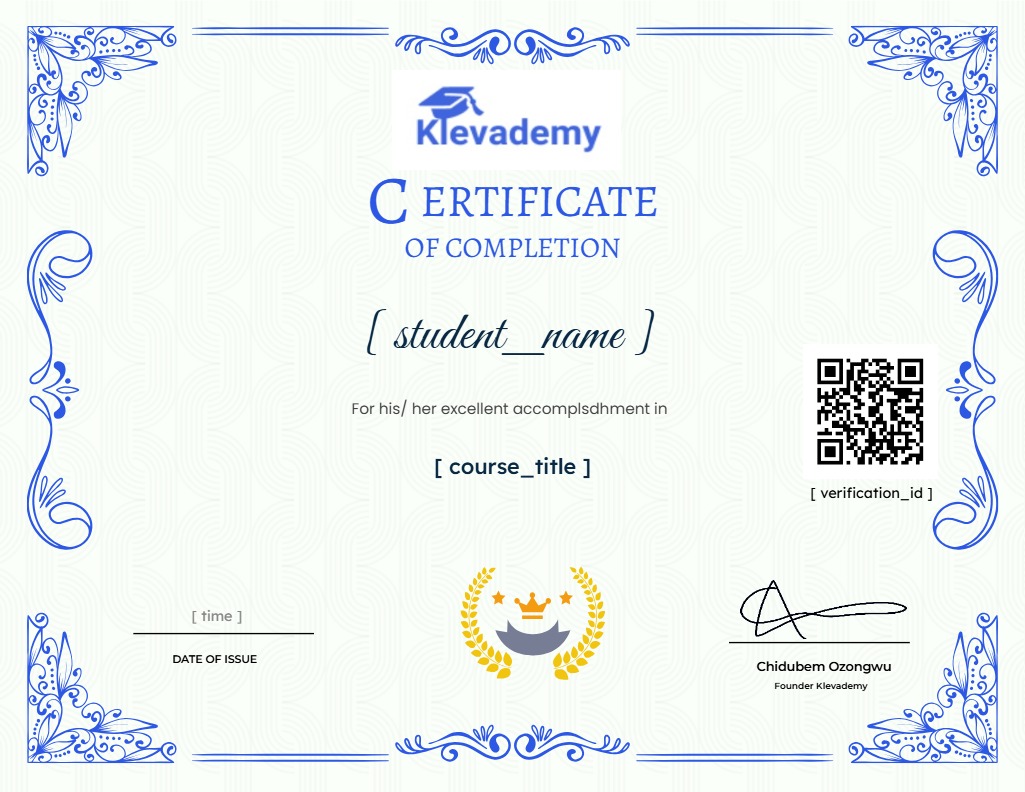

selected template

Student Ratings & Reviews

No Review Yet
No Review Yet
Select your currency