Revit MEP Bootcamp : Master HVAC, Electrical & Plumbing in 3D
About Course
What If You Could Design Entire Building Systems in 3D… and Catch Every Mistake Before It Costs You?
Imagine opening your project…
And instead of juggling disconnected drawings, second-guessing layouts, or fixing site errors…
You’re looking at a fully coordinated 3D model where everything just works.
- Your HVAC flows perfectly through the structure
- Your plumbing systems are clean, efficient, and accurate
- Your electrical layouts are organized and easy to understand
No clashes.
No confusion.
No last-minute surprises.
Just confidence.
Here’s the Hard Truth Most MEP Designers Face
Right now, many people in your position are stuck:
- Learning bits and pieces of Revit… but never mastering it
- Watching youtube tutorials… but struggling to apply them to real projects
- Designing systems… but constantly fixing errors later
- Feeling like they’re always one step behind industry standards
And the worst part?
You know the industry is moving toward BIM and intelligent modeling…
But no one has shown you a clear, structured path to get there.
Now Imagine This Instead…
Over the next 10–12 weeks…
You log into a live session each week…
And step-by-step, you’re guided through building a complete, real-world MEP project from scratch.
Not just watching.
Not just guessing.
But actually doing the work yourself—with expert guidance.
By the end, you don’t just “understand” Revit MEP…
You’ve built an entire coordinated system you can confidently show.
Introducing:
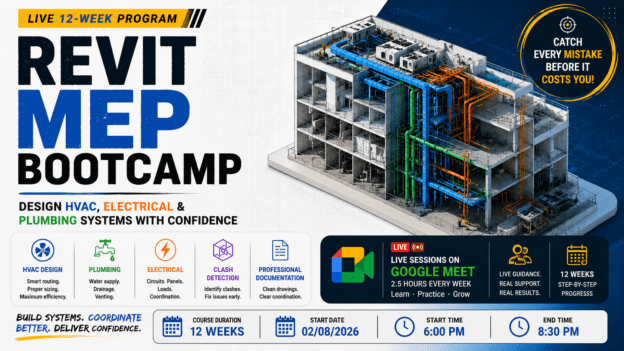
Revit MEP Bootcamp — Live 12-Week Program to Design HVAC, Electrical & Plumbing Systems with Confidence
This is not another pre-recorded course you forget after a few videos.
This is a live, guided, hands-on experience designed to take you from confusion… to real capability.
Here’s What Happens When You Join
Every week, you’ll attend a 2.5-hour live session via Google Meet where you’ll:
- Watch real-time demonstrations
- Build systems alongside the instructor
- Ask questions and get immediate clarity
- Complete guided assignments that reinforce your skills
This structure is designed for one thing:
👉 Real learning that actually sticks
What You’ll Be Able To Do By The End
You won’t just “know the interface”…
You’ll be able to:
- Design HVAC systems with proper routing, sizing, and airflow
- Create plumbing systems including water supply, drainage, and venting
- Build electrical layouts with circuits, panels, and load basics
- Perform clash detection and coordination like professionals
- Produce clean, professional drawings and documentation
- Work confidently within a real BIM workflow
And Most Importantly…
You’ll complete a full MEP project that proves your ability.
Not theory.
Not guesswork.
But something tangible you can show to employers, clients, or teams.
Why This Program Works (When Others Don’t)
Most courses overwhelm you with tools.
This program focuses on progression.
What Makes This Different?
Simple:
👉 You don’t learn alone.
You’re guided.
Corrected.
Supported.
Every single week.
Instead of hoping you’re doing it right…
You know you are.
The Cost of Not Learning This
If you don’t upgrade your skills now…
You risk:
- Falling behind as BIM becomes the industry standard
- Missing better opportunities
- Spending more time fixing mistakes instead of doing great work
Because today…
Being “average” with tools is no longer enough.
Or You Can Decide Today…
To finally gain a skill that:
- Makes your work clearer
- Makes your designs smarter
- Makes you more valuable
👉 Join the Revit MEP Mastery Program Today
Commit to 10–12 weeks…
And walk away with a skillset that can change how you design forever.
Course Content
Week1: Introduction to BIM & Revit MEP
Introduction to BIM & Revit MEP
Week 2: Revit Fundamentals for MEP
Week 3: HVAC System Design – Part 1
Week 4 : HVAC System Design – Part 2
Week 5: Plumbing System Design – Part 1
Week 6: Plumbing System Design – Part 2
Week 7: Electrical System Design – Part 1
Week 8: Electrical System Design – Part 2
Week 9: Coordination & Clash Detection
Week 10: Annotation & Documentation
Week 11: Advanced Tools & Optimization
Week 12: Final Project & Review
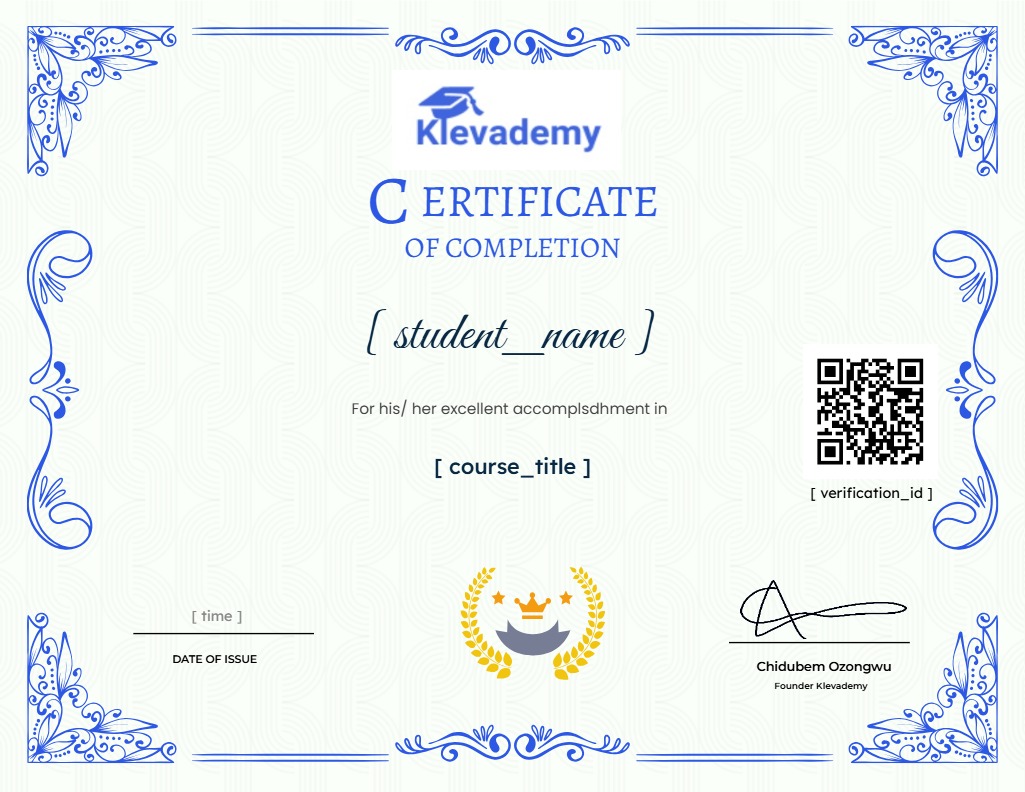
Earn a certificate
Add this certificate to your resume to demonstrate your skills & increase your chances of getting noticed.