The Complete AutoCAD Bootcamp: Design, Draft & Deliver Professional Architectural Drawings
About Course
What if your drawings didn’t just look “okay”… but looked professional enough to be built?
Right now, you might be learning drafting…
Maybe watching tutorials on Youtube.
Maybe practicing a few plans here and there.
But when it comes to producing real, professional architectural drawings?
You hesitate.
Because deep down, you know:
Your lines aren’t as precise as they should be.
Your layouts feel unorganized.
And your drawings don’t yet look like something a contractor can confidently build from.
Here’s the truth most beginners never hear:
In architecture and construction…
You’re judged by your drawings — not your intentions.
Messy drawings create confusion.
Confusion creates mistakes.
Mistakes cost time, money… and opportunities.
Now imagine this instead:
You open your drawing set…
Everything is clean.
Aligned.
Perfectly structured.
Your plans, elevations, and sections look like they came from a seasoned professional.
And when someone reviews your work?
They don’t question it.
They trust it.
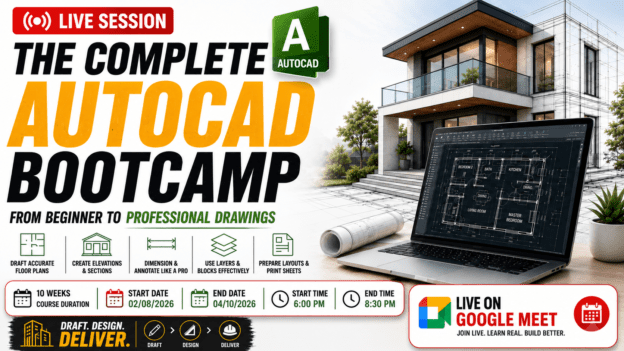
Introducing: The Complete AutoCAD Bootcamp
This is not just another software course.
This is a step-by-step, practical training program designed to help you go from beginner…
to confidently producing real-world architectural drawings.
Using AutoCAD — the industry-standard tool used by architects, engineers, and designers worldwide.
Why This Bootcamp is Different
Most AutoCAD courses teach commands.
This bootcamp teaches competence.
You won’t just learn what tools do…
You’ll learn how to use them together to produce complete, professional drawings.
From your very first line…
to a full architectural drawing set.
What You’ll Actually Be Able to Do
By the end of this bootcamp, you’ll be able to:
✔ Draft complete floor plans with accuracy and confidence
✔ Create clean, organized drawings using layers and proper standards
✔ Design doors, windows, walls, and architectural elements correctly
✔ Produce elevations and sections that clearly communicate your design
✔ Add dimensions, annotations, and notes like a professional
✔ Build reusable blocks to speed up your workflow
✔ Create full working drawings used for construction
✔ Set up layouts, scales, and print professional drawing sheets
Learn By Doing — Not Just Watching
This is a hands-on bootcamp.
Every week, you’ll apply what you learn to a real duplex project.
So instead of random exercises…
You’ll be building a complete architectural drawing set step-by-step — just like in the real world.
Who This Is For
This bootcamp is perfect for you if:
- You’re a student who wants real, practical drafting skills
- You’re a beginner tired of confusing tutorials
- You want to build a strong portfolio that actually impresses
- You’re aiming to work in architecture, construction, or design
By The End of This Bootcamp…
You won’t just “know AutoCAD.”
You’ll have:
✔ A complete set of professional drawings
✔ A clear, repeatable workflow you can use on any project
✔ The confidence to take on real drafting work
✔ A skill that’s in high demand across the industry
The Real Advantage
When you master AutoCAD properly…
You don’t just draw.
You communicate ideas clearly.
You reduce errors.
You become valuable.
And that’s what separates beginners… from professionals.
Ready to Build Real Skills?
If you’re serious about moving beyond basic drafting…
And you want to create drawings that look professional, organized, and build-ready…
Then this bootcamp is for you.
Join The Complete AutoCAD Bootcamp today — and start designing, drafting, and delivering work you’re truly proud of.
Course Content
Week 1:Introduction To AutoCAD
Introduction To AutoCAD
Week 2 : Drawing & Modify Tools
Week 3: Layers, Linetypes & Properties
Week 4: Architectural Elements
Week 5: Text, Dimensions & Annotation
Week 6: Blocks & Reusable Components
Week 7: First Floor Plan— Project drafting Continued
Week 8: Elevations & Sections
Week 9: Roof Plan Design
Week 10: Plotting & Final Project
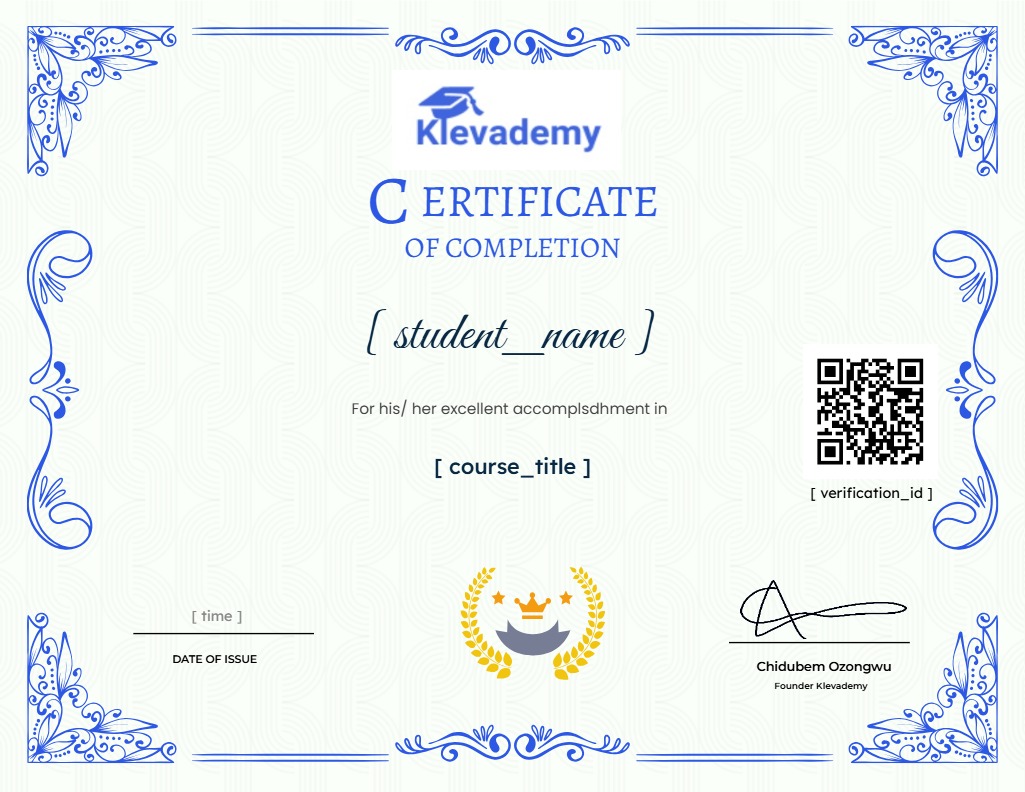
Earn a certificate
Add this certificate to your resume to demonstrate your skills & increase your chances of getting noticed.